Description
xTool Apparel Printer Cutter Kit
Keep your auto film-cutting crisp and consistent-replace worn parts and fine-tune cuts for a smoother DTF workflow.
Why You Need It
- Restore cutting precision: Refresh the cutter assembly to eliminate ragged edges and misalignment after heavy use.
- Reduce rework: Clean, accurate post-print cuts speed up weeding and transfer handling.
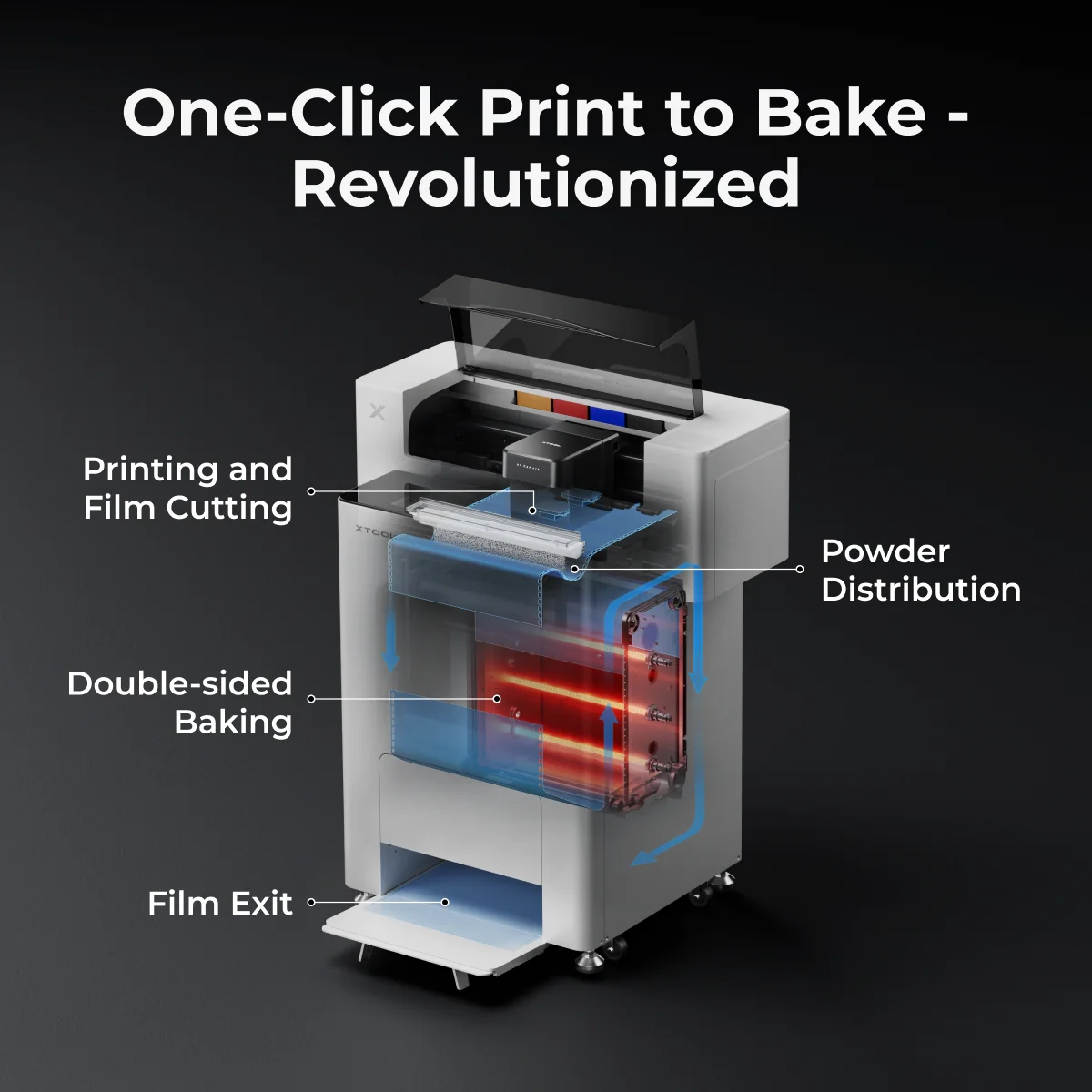
- Designed for xTool apparel printing: Purpose-built for the xTool Apparel Printer's auto film-cutting feature and OS1 workflow.
What's Inside
- Replacement cutter blade/knife (for the apparel printer's film-cut path)
- Service tools (e.g., driver/hex key) for fast blade changes
- Cleaning aids (brush/swabs) to clear debris from the cutting channel
- Quick guide with safe-swap steps and alignment tips
Contents may vary slightly by batch or region.
When to Use
- Dull or dragging cuts: Film shows frayed edges or incomplete separation.
- Frequent jams: Debris buildup along the cut path.
- Preventive care: Scheduled blade refresh to keep throughput high.
Quick Replacement Steps
- Power down and follow the printer's safety instructions.
- Open the cutter access and remove the worn blade with the included tool.
- Install the new blade/knife and secure per the guide.
- Clean the cut channel and run a short test cut for alignment.
Always refer to your xTool Apparel Printer manual for model-specific procedures.
Compatibility
- Systems: xTool Apparel Printer family; integrates with the OS1 print-to-bake workflow.
- Media: xTool DTF transfer films used in auto film-cutting.
Pro Tips
- Keep the cut path clean-wipe dust and film flakes before long runs.
- If cuts start drifting, perform the printer's built-in alignment check after a blade swap.
- Store spare blades in a dry, labeled container away from powder and ink mist.
Specifications
Item #: XT-DTF-CUT-KIT